
 Deppo
Rust · Cargo
Rust with rust-analyzer and Cargo built in
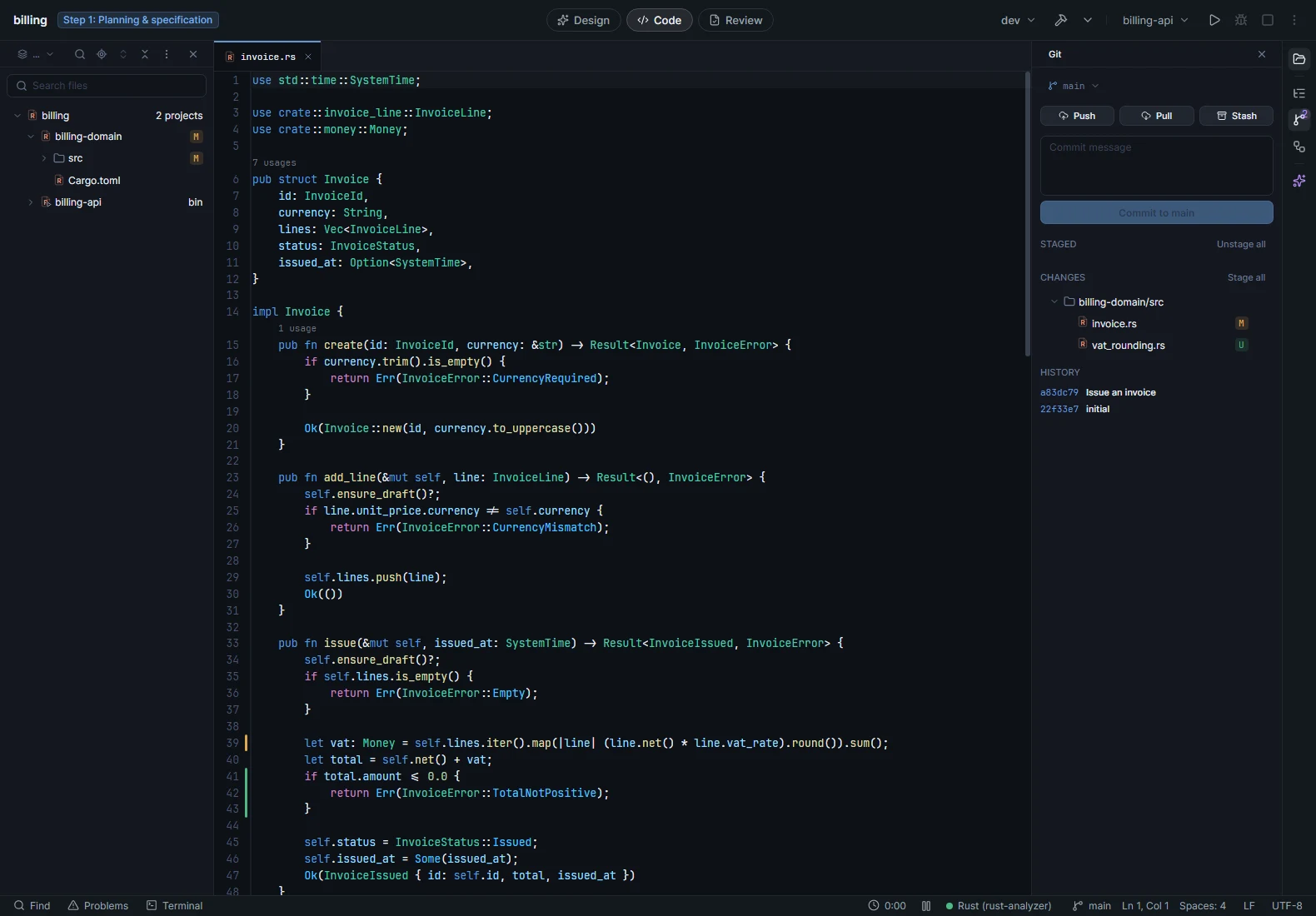
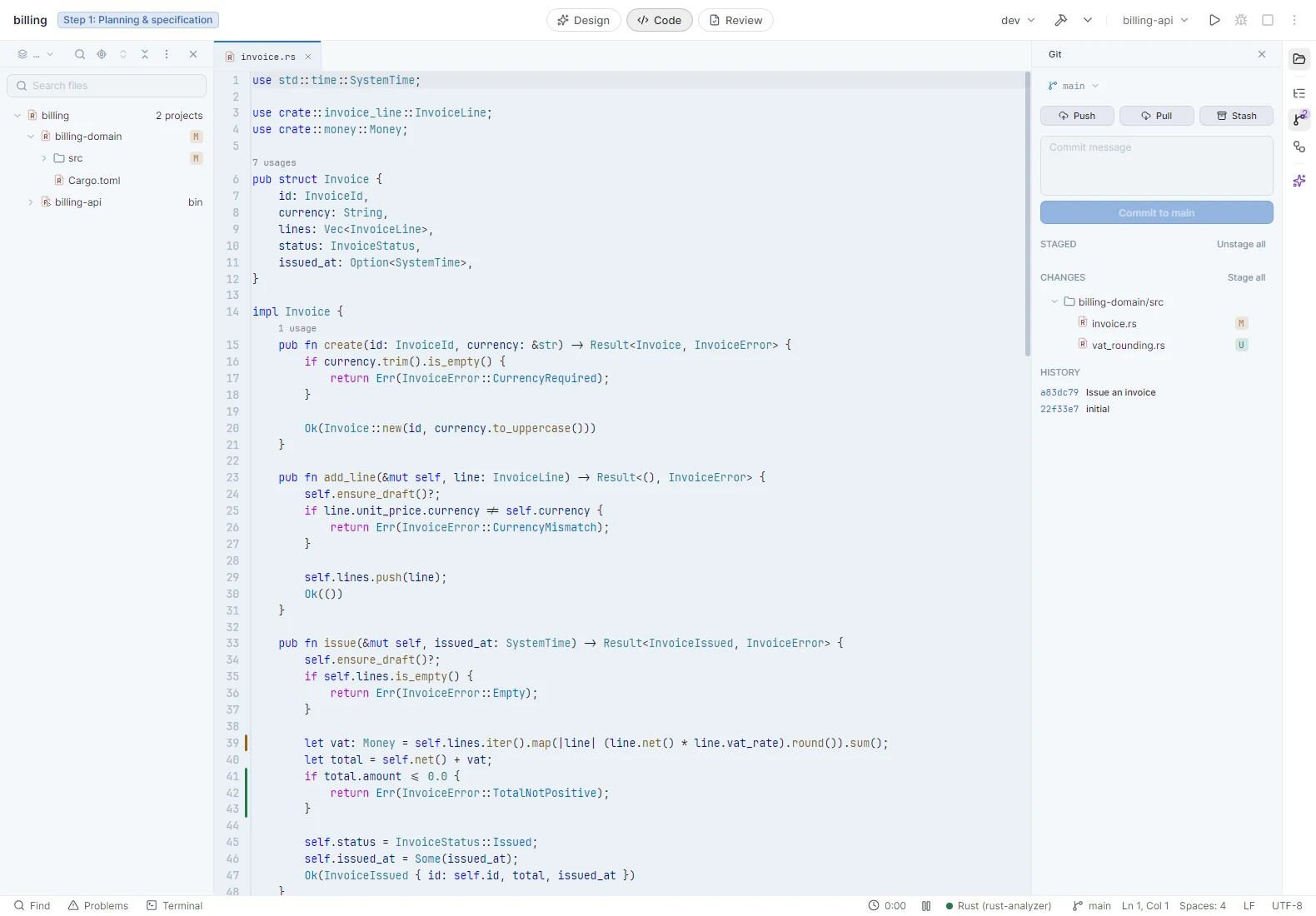
Code intelligence from rust-analyzer, and Cargo as part of the IDE: your workspace, its crates, and build, test, check and clippy one click away.
01 / The IDE
Everything for daily Rust work
Cargo workspaces
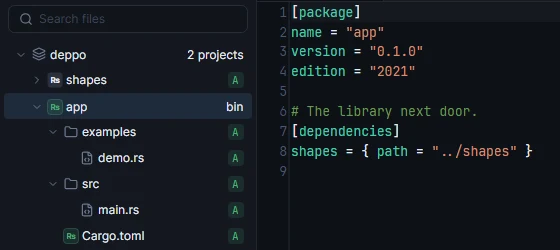
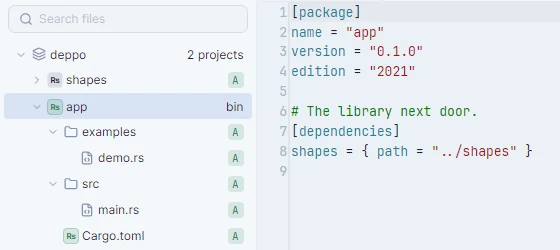
Your workspace and its crates in the explorer, with build, run, test, check and clippy from the toolbar.
02 / Specification
Full feature list
- code intelligence
- Code completion · signature help · quick documentation · go to definition and implementation · find usages · peek definition · rename · quick fixes and refactorings
- language server
- Your own rust-analyzer, or the one Deppo downloads when you enable Rust · errors and warnings as you type, in a Problems panel · an unsupported toolchain is reported clearly
- cargo
- Cargo workspaces and their crates in the explorer · build, run, test, check and clippy from the toolbar · binaries and examples as run configurations, in dev or release · multiple runs in parallel, each with its own terminal · Cargo.toml highlighting · search scoped to one crate
- formatting
- rustfmt, with format on save, or on a file, a crate or the whole workspace
- editing
- Multiple cursors · column selection · expand selection · auto-closing brackets · git blame · change markers in the gutter with revert
- search
- One search box for classes, symbols and files · find and replace in files with an editable preview · find usages streams results as they are found
- in a pull request
- Diffs with full syntax highlighting · search the pull request’s files or the whole repository · git blame in the diff