
 Deppo
TS · JS · CSS
A TypeScript and JavaScript IDE that knows your monorepo
TypeScript, JavaScript, JSX and TSX with full code intelligence out of the box. Nothing to install or configure: open the folder and start.
01 / The IDE
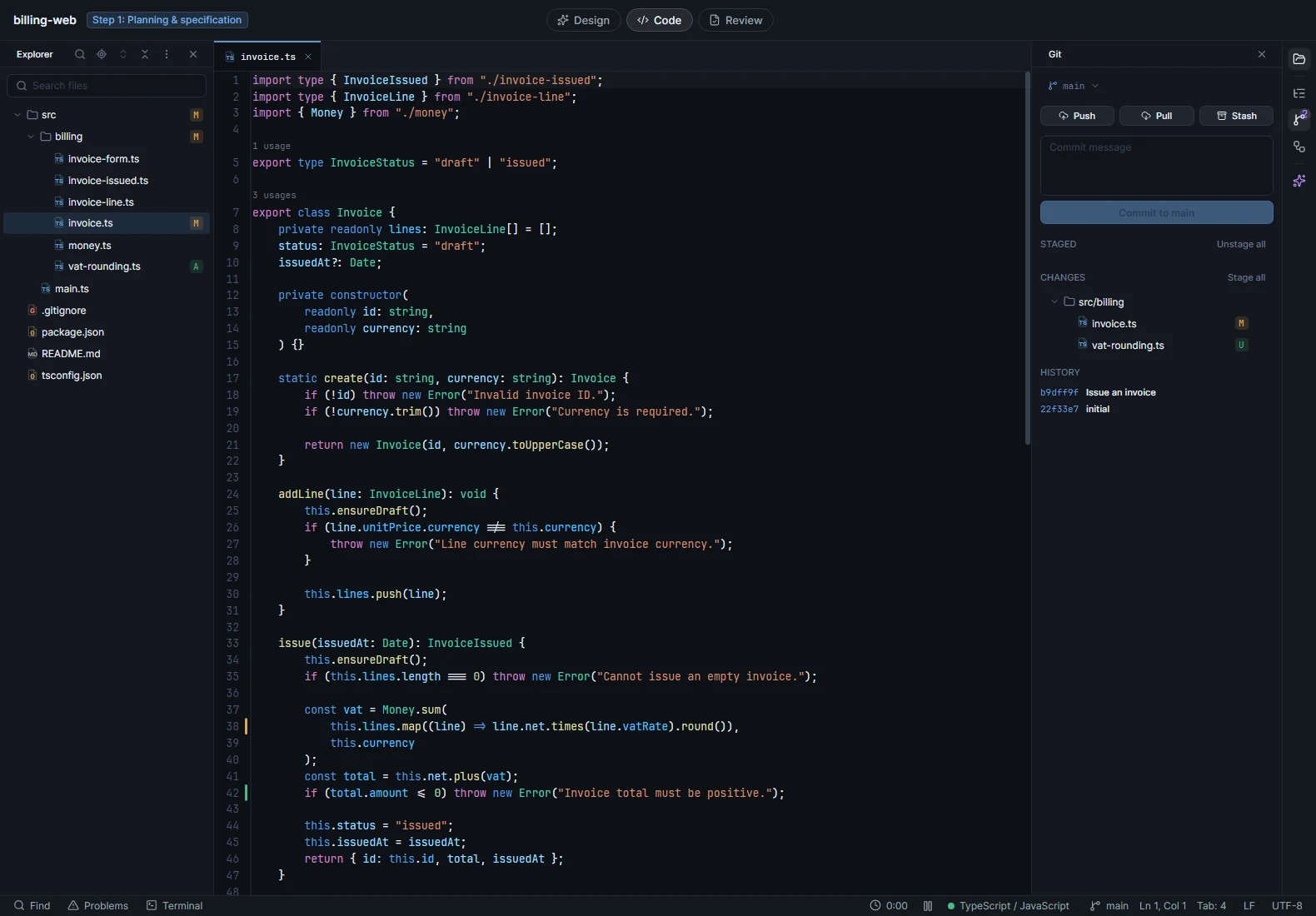
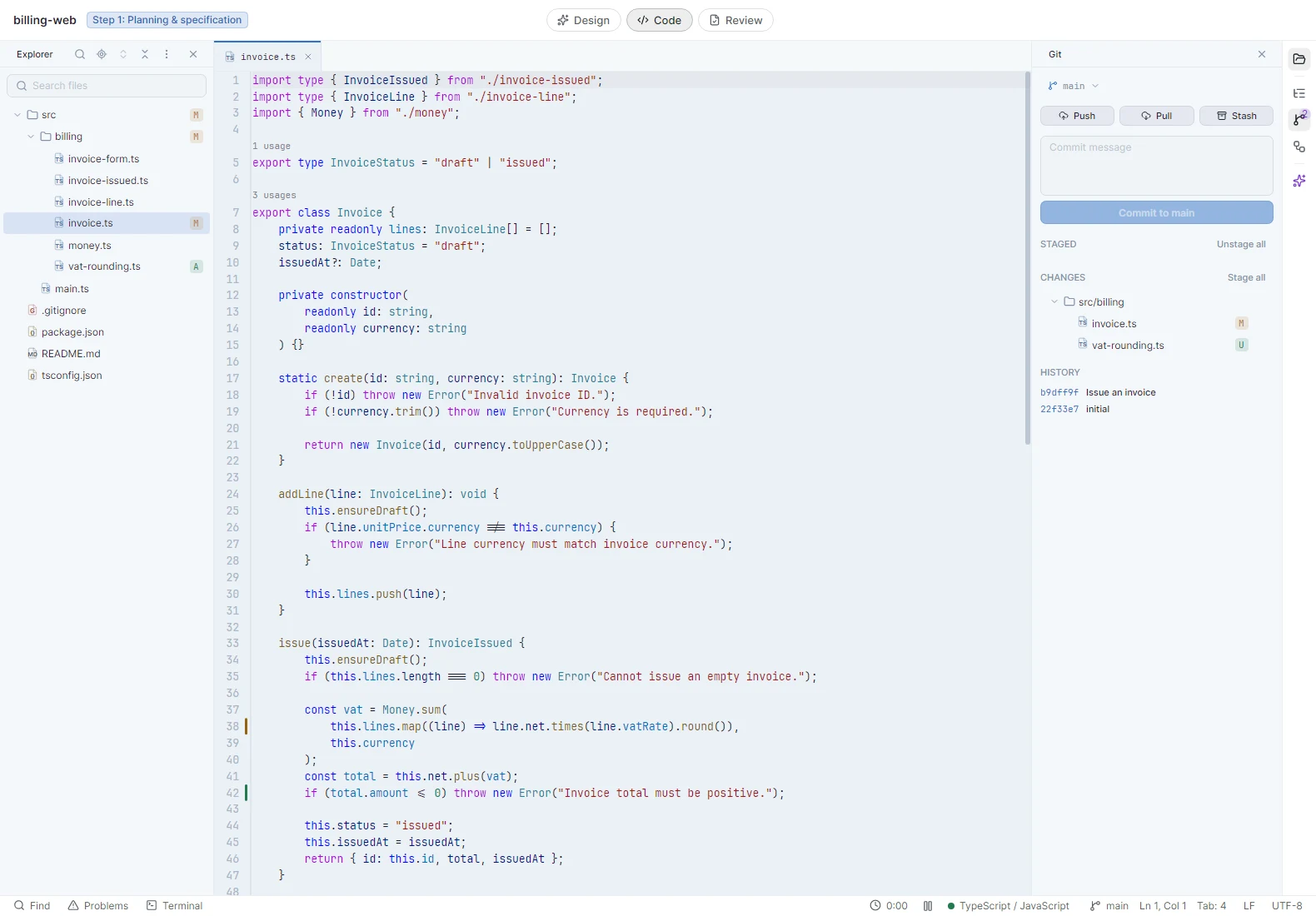
Everything for daily frontend work
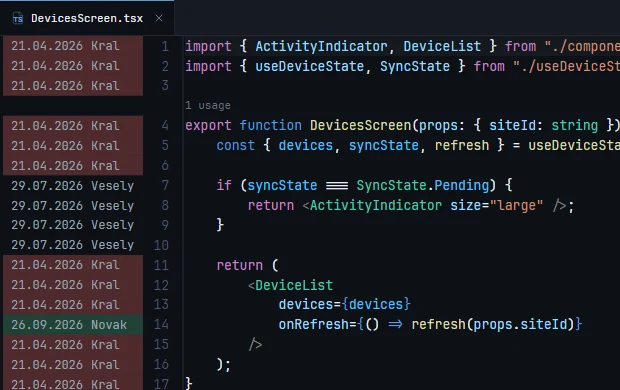
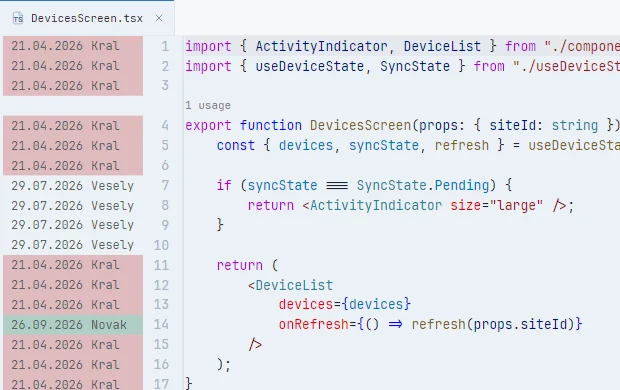
Blame and code lens
Who changed each line, and how often a component is used, right in the editor.
02 / Specification
Full feature list
- code intelligence
- Code completion · signature help · go to definition and implementation · find usages · peek definition · rename across the project · quick fixes and refactorings · quick documentation · code lens above every top-level declaration · every use of a name highlighted in the file
- diagnostics
- Errors and warnings as you type · a Problems panel
- monorepos
- Each package uses its own tsconfig.json: its strictness, paths and JSX · symbol search across all packages · search scoped to one package · a branch switch or an install picked up without a restart
- around the code
- CSS, SCSS and Less with a colour box at every colour and a colour picker · HTML, JSON, YAML and Markdown, with Markdown rendered · TypeScript and TSX in the colours you know from VS Code · syntax highlighting for more than 70 other languages
- formatting
- Prettier, Biome, oxc or the TypeScript formatter · format on save, or a file, a folder or the whole workspace · uses the version pinned in your repository
- editing
- Multiple cursors · column selection · expand selection · auto-closing brackets · git blame · change markers in the gutter with revert
- search
- One search box for classes, symbols and files · find and replace in files with an editable preview · find usages streams results as they are found
- in a pull request
- Diffs with full syntax highlighting · go to definition and find usages from any changed line · peek definition next to the diff · search the pull request’s files or the whole repository · code lens and git blame in the diff